# 如何在 Midjourney 上打造最逼真的照片—10.三个实用技巧
**内容简介:**
本文介绍了 3种Midjourney使用技巧,可以让图片更加真实。
原作者:Henrique Centieiro & Bee Lee,叶赛文编译。 推荐原因:实用。
原文链接: <https://levelup.gitconnected.com/create-the-most-photorealistic-images-on-midjourney-success-prompting-formula-100-cheat-codes-part-4-cc1299efa709>
在这篇文章中,分享3个使用技巧
- 神奇的参数组合: `--style raw` & `--stylize`
- 不要担心相机型号和设置!
- 提示词中添加特定的年份
## <a id="1nbsp--style_rawnbspnbsp--stylize"></a>1.神奇的参数组合: `--style raw` & `--stylize`
**重点:** 在提示词里,添加 `--style raw --stylize 400` ,会提高图片的美感
为了提高生成逼真且美丽图像的可能性,无需把`--stylize` 值设置的太低或太高。
在我多次测试不同的值之后,我发现 400 值是最佳值。任何高于此的值都没有多大区别。
最佳参数是:
–style raw & –stylize 400
### <a id="i"></a>示例:
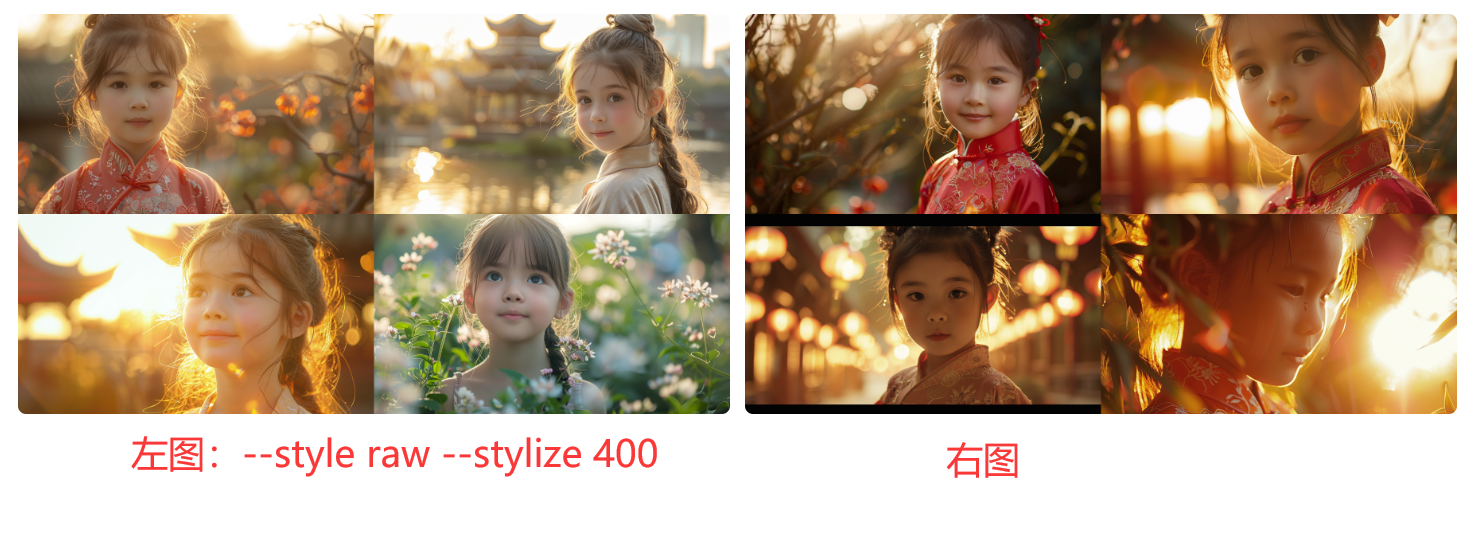
> 提示词:Realistic close-up photo of 6 years old Sophia in a traditional Chinese botanical garden, golden hour –ar 16:9 –v 6.0
左图:提示词里添加了命令:“–style raw –stylize 400”
右图:未添加命令
差别:可以看出,添加“–style raw –stylize 400”命令后,会让图片更加清晰、更具有艺术性。
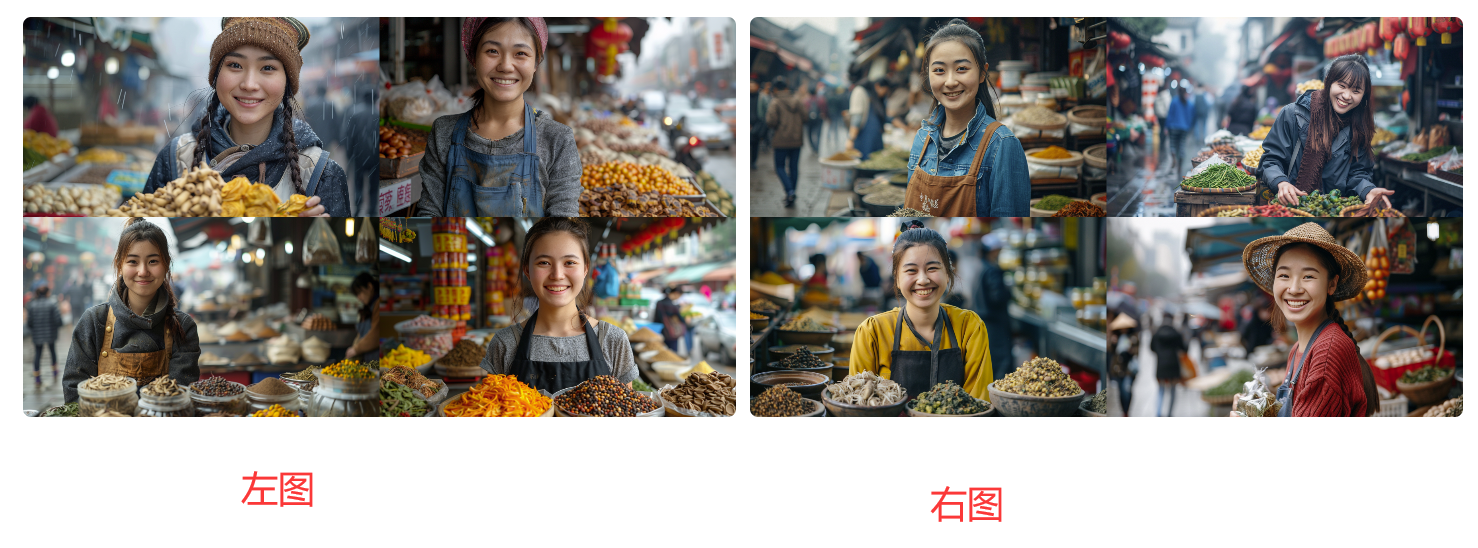
> 提示词:A cheerful, young female vendor in her 20s selling traditional Chinese herbs in a busy outdoor food market in Chengdu. Cloudy day. Realistic documentary photo –ar 16:9
左图:提示词里添加了命令:“–style raw –stylize 400”
右图:未添加命令
## <a id="2"></a>2.不要担心相机型号和设置
**重点:** 可以用“DSLR”来取代复杂的相机型号设置。
DSLR的意思是:Digital Single-Lens Reflex, 单反相机。
### <a id="21"></a>2.1 窗边佳人
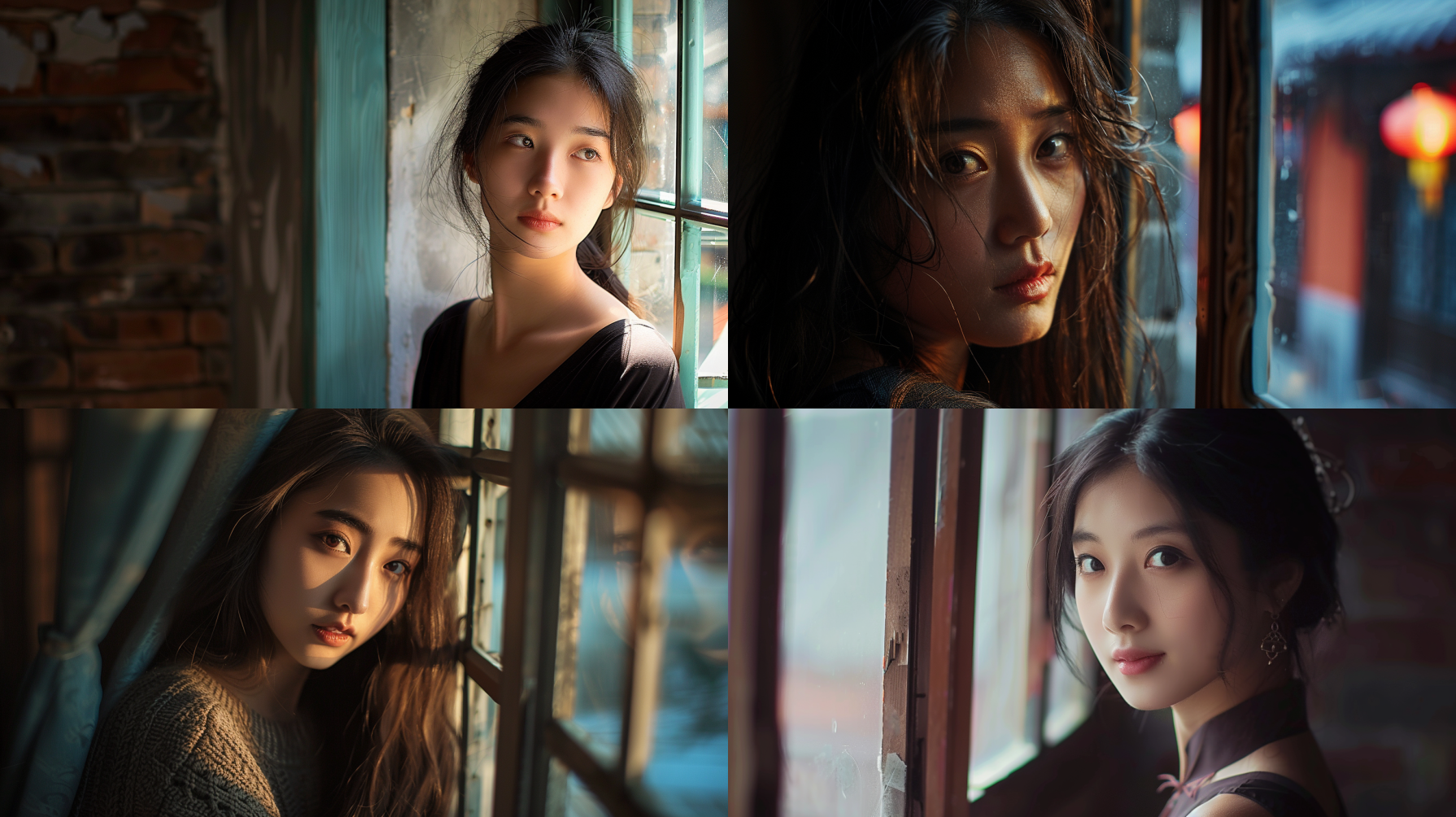
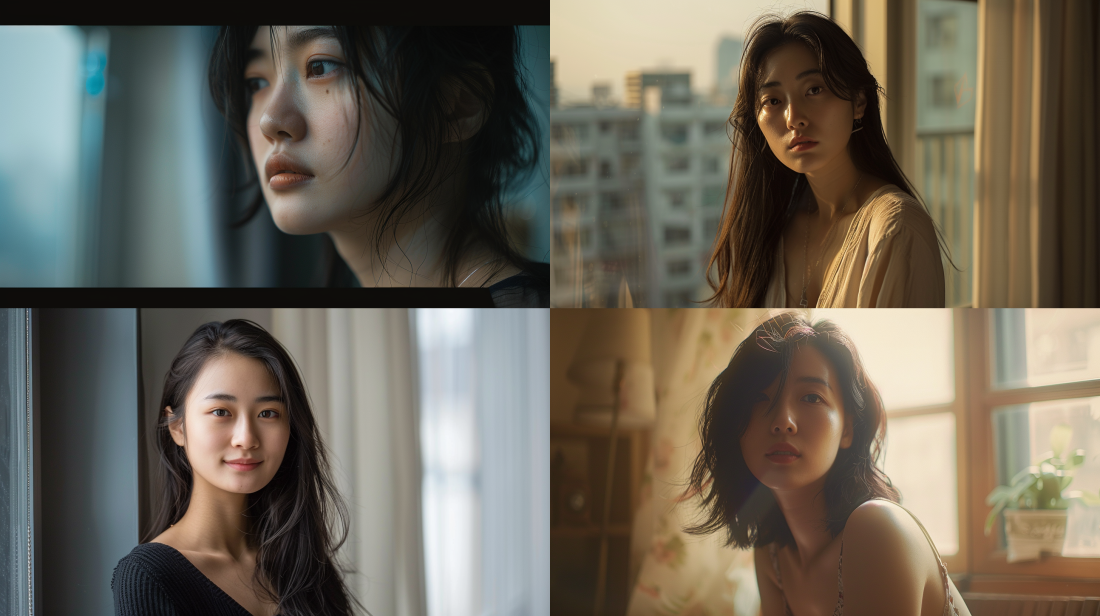
在图1里,只添加了:DSLR, shallow depth of field
在图2里,添加了众所周知的拍摄人像的相机型号,以及人像拍摄常用的相机设置。
可以看出,它们的差别,并不是很大。
> 图1提示词:Portrait photography of a 26 years old Asian beauty, diffused lighting, next to window in a Beijing hutong, natural pose, DSLR, shallow depth of field –ar 16:9 –v 6.0
> 图2提示词:Portrait photography of a 26 years old Asian beauty, diffused lighting, next to window in a Shanghai apartment, natural pose, Canon EOS R5, f/1.2, 1/500 shutter speed, 85mm focal length, autofocus, ISO800 –ar 16:9 –v 6.0
### <a id="22"></a>2.2 山路灯影
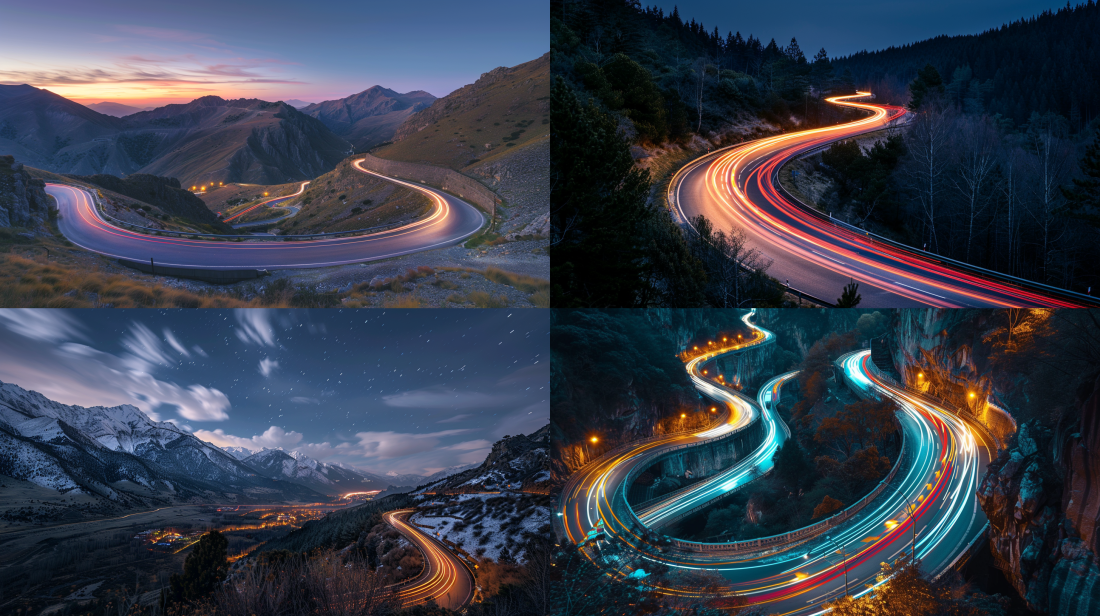
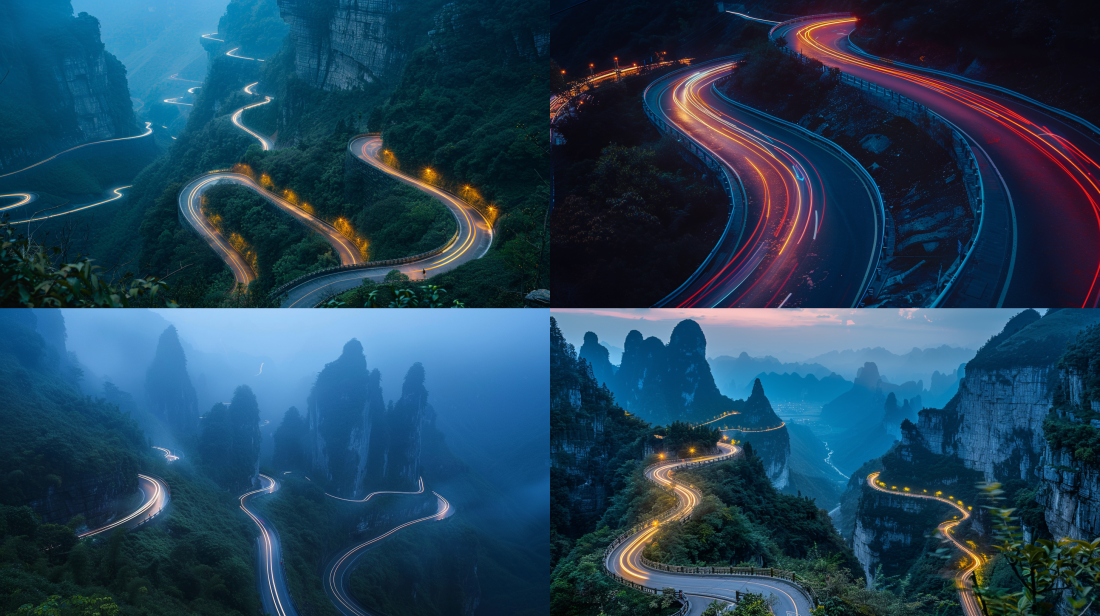
从图中可以看出,在提示词里,仅添加“DSLR”和添加复杂的相机设置,效果差异不大。
> 图3提示词:Trailing lights of cars on a winding road in the Yellow Mountains, wide angle DSLR, time lapse photography –ar 16:9 –v 6.0
> 图4提示词:Trailing lights of cars on a winding road in the Tianmen Mountain area, Sony Alpha a17 III mirrorless camera, f/1.4, shutter speed 5, 105mm focal length, ISO 1600 –ar 16:9 –v 6.0
## <a id="3"></a>3.添加年代
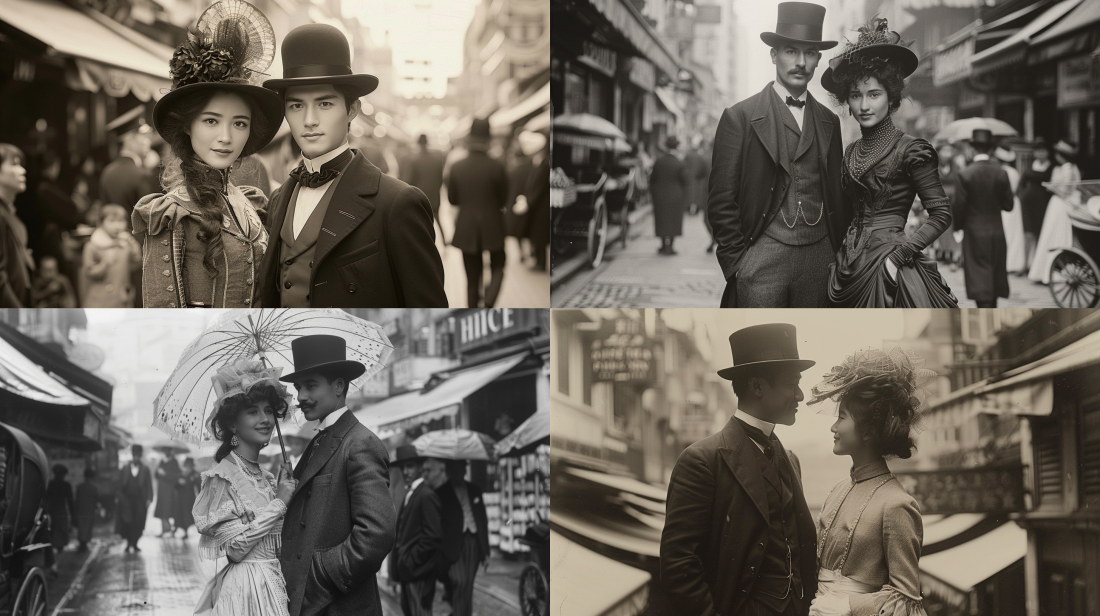
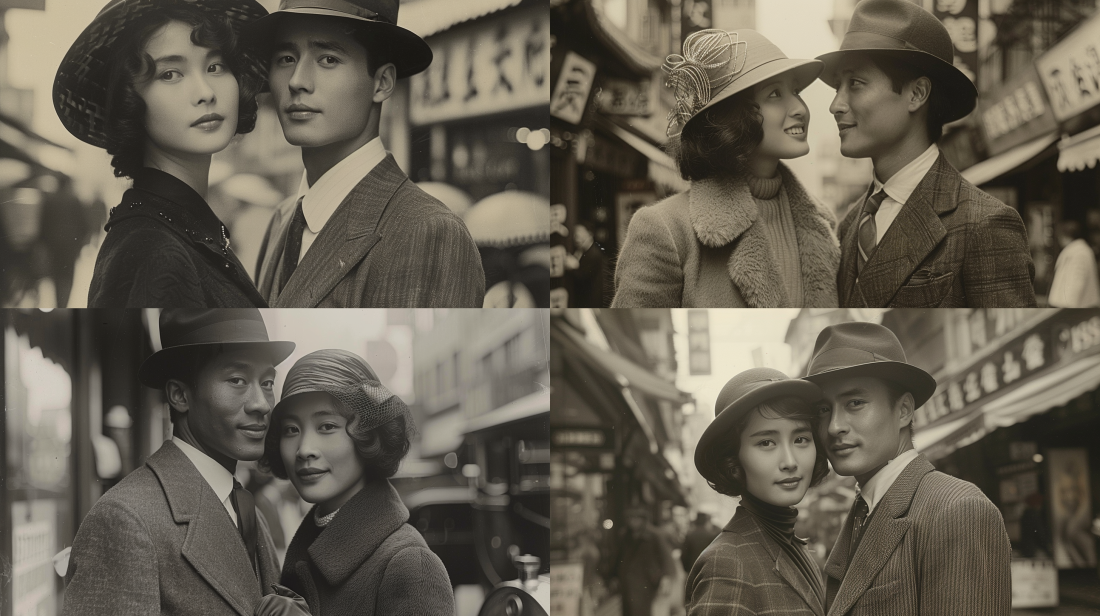
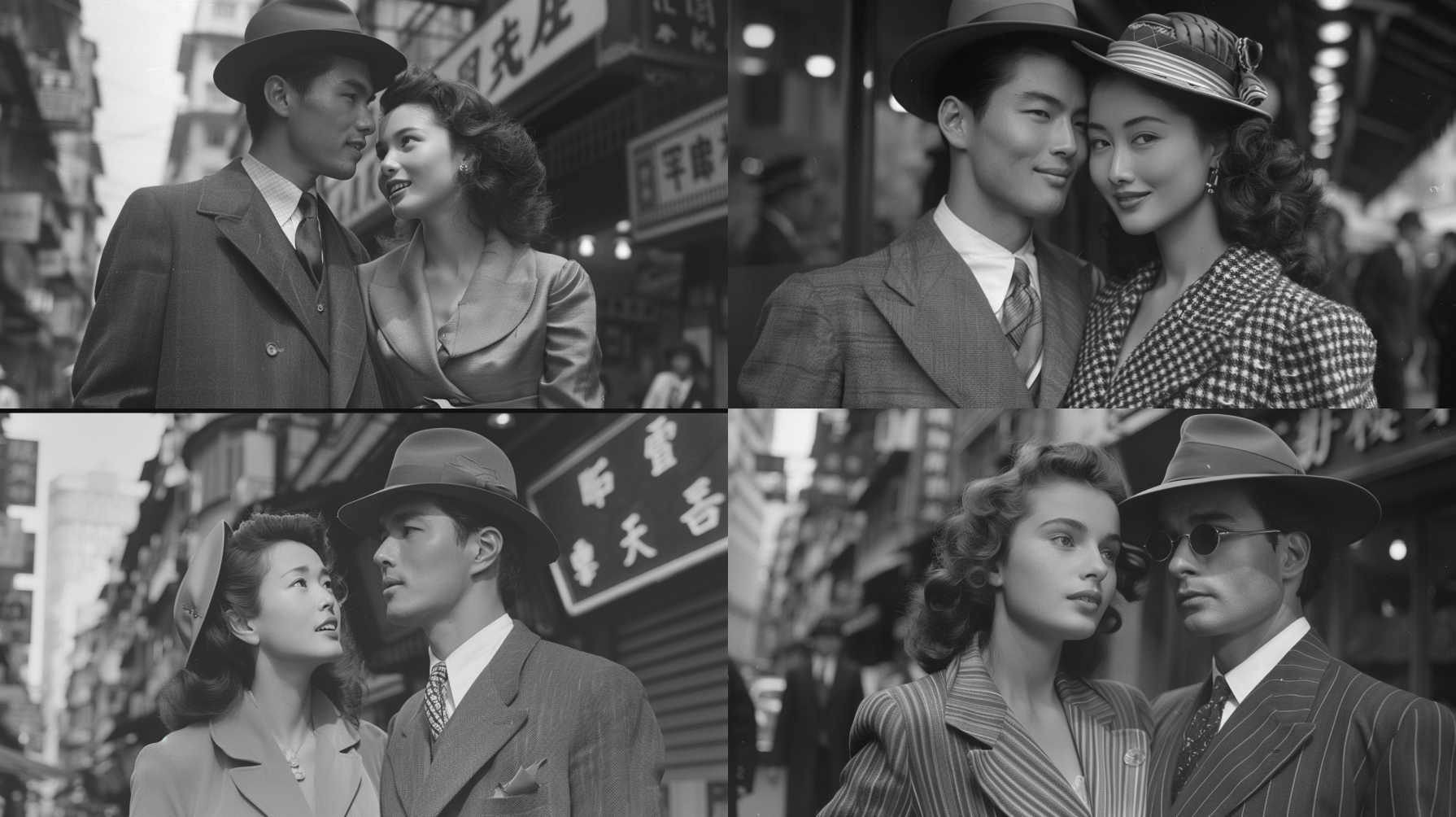
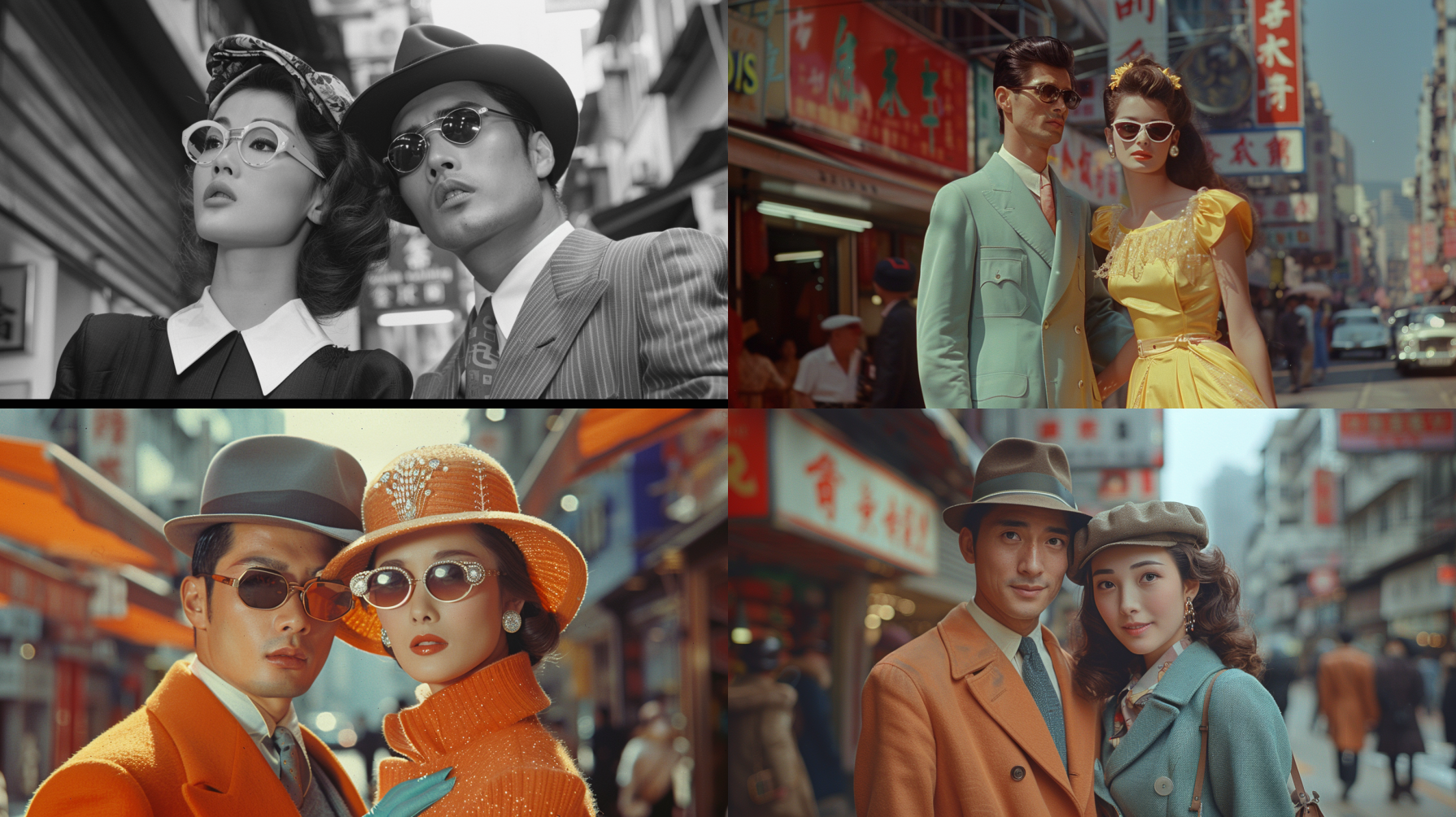
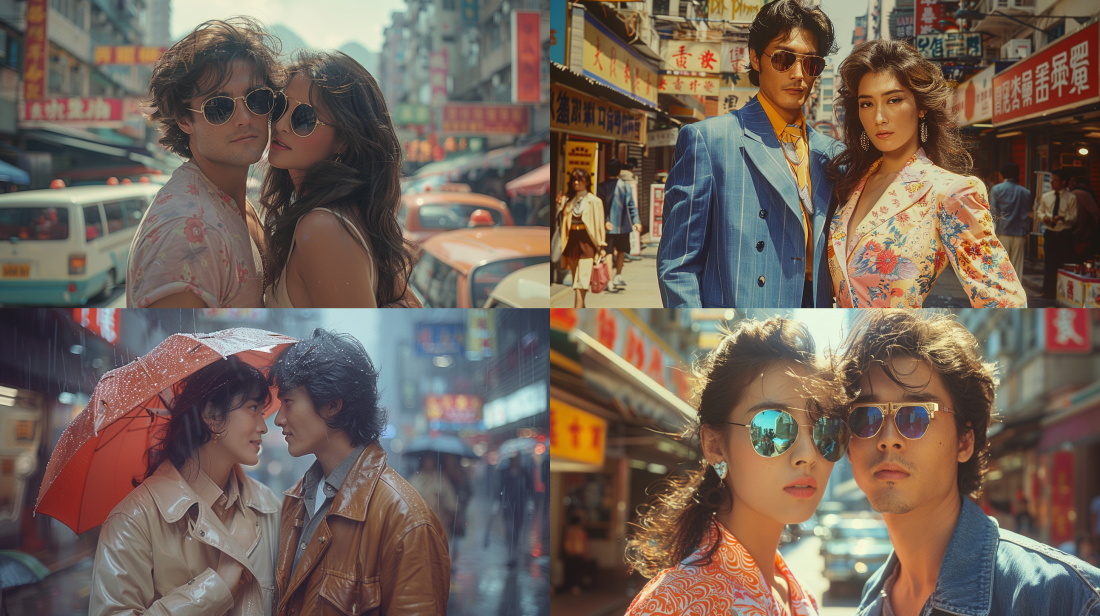
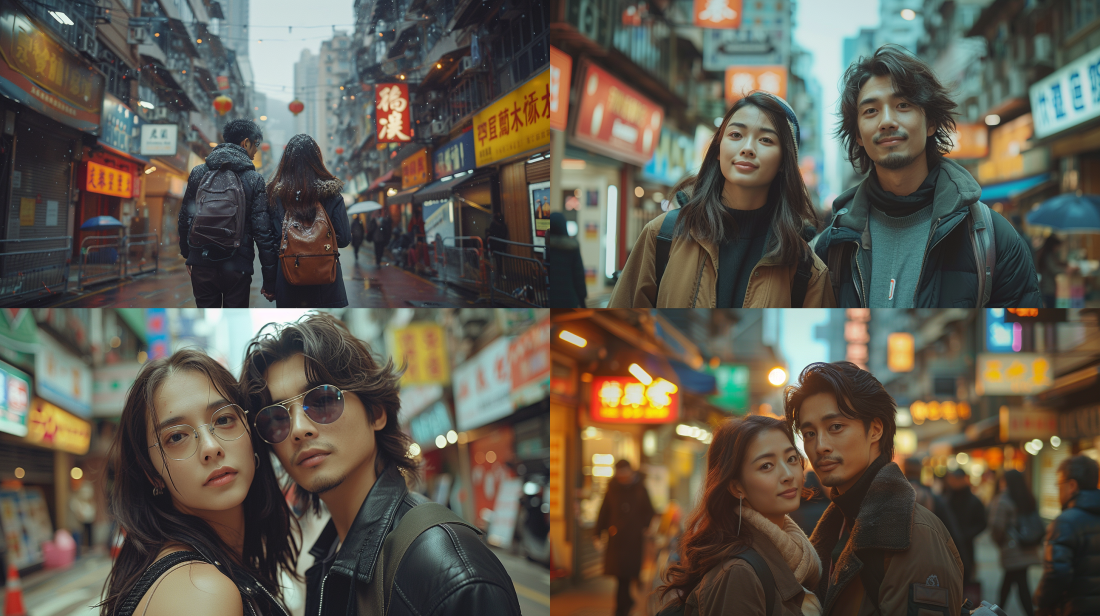
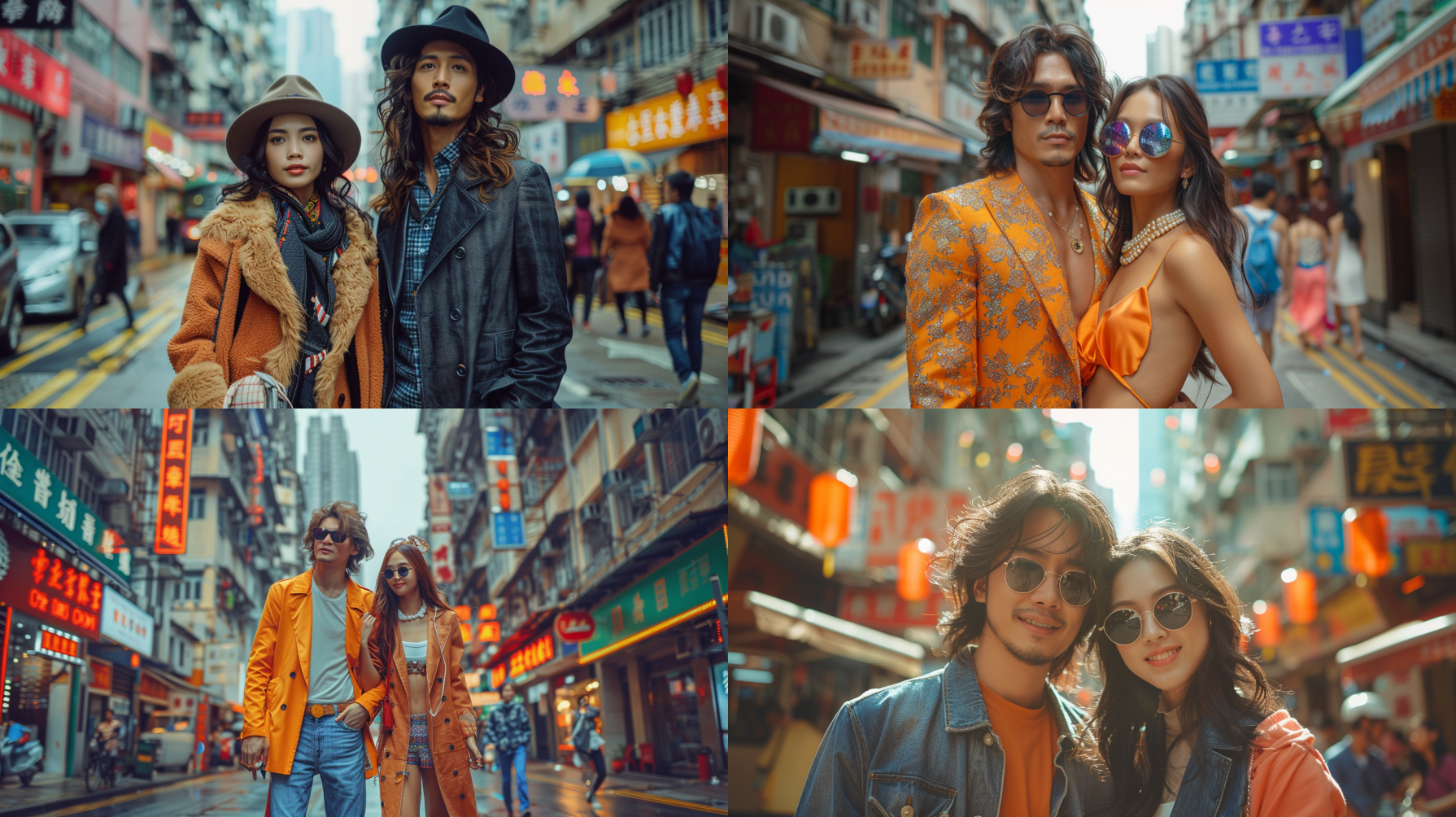
照片的拍摄年代可以通过不同的色调、纹理、分辨率,当然还有那个时代的典型主题(比如当时人们的外貌或着装)来影响其美感。
提示词: `[年代]` **photography of a fashionable couple in the streets of Hong Kong, cinematic –style raw –s 400 –ar 16:9 –v 6.0**
例如:提示词:1900s photography of a fashionable couple in the streets of Hong Kong, cinematic –style raw –s 400 –ar 16:9 –v 6.0
### <a id="1900"></a>1900年代
### <a id="1920"></a>1920年代
### <a id="1940"></a>1940年代
### <a id="1960"></a>1960年代
### <a id="1980"></a>1980年代
### <a id="2000"></a>2000年代
### <a id="2020"></a>2020年代
## <a id="i-2"></a>好工具推荐
一个集美剧、音乐和AI工具为一体的服务商:
<http://mrw.so/6gAybQ>
优惠码: ysw ,有九折优惠
[](../../9.legacy-assets/9c3aabe731284aa170edcfbd.png)