# ChatGPT常见的8个问题及解决方法
使用ChatGPT时,可能会遇到无法使用的问题。
如果出现问题,排查方法:
1.尝试换节点
2.尝试换浏览器(有时IE无法使用,换成谷歌浏览器)
3.尝试开全局
4.等待五六分钟:出去走动一下,回来再看看。 有时可能是我们国内的网络问题。

观雨的猫:Midjourney生成
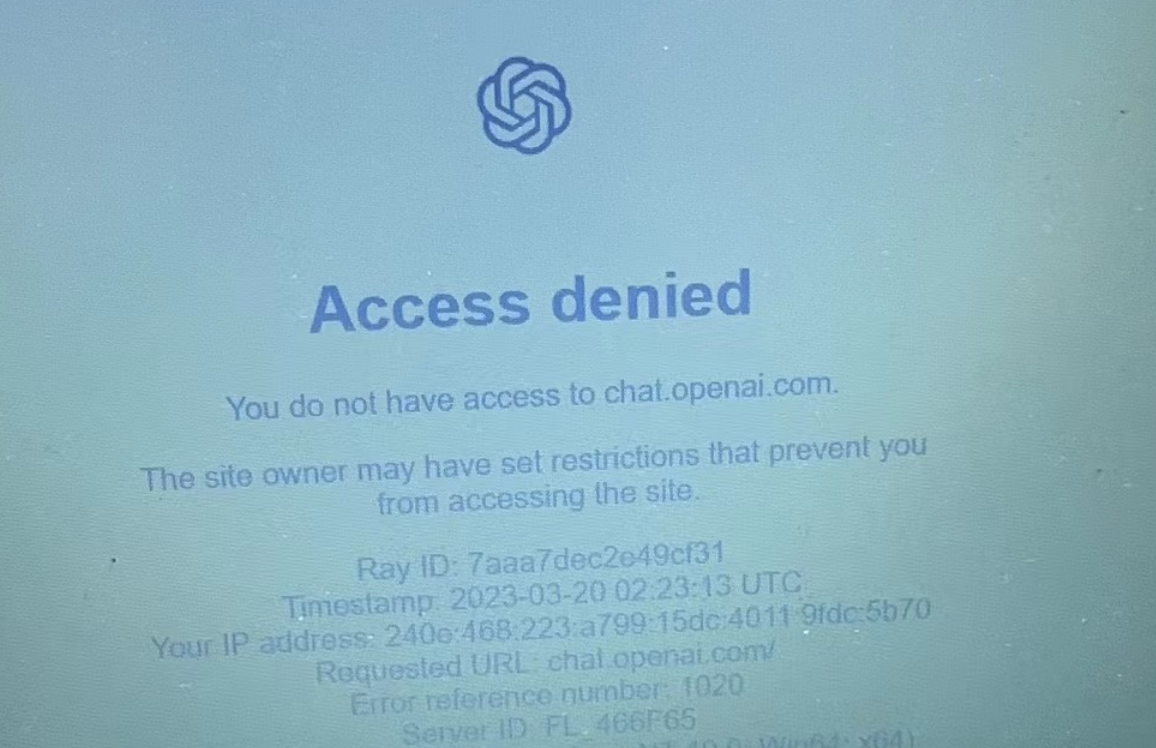
## <a id="1Access_denied"></a>1.无法登录:Access denied
报错信息:Access denied. You do not have access to chat.openai.com.The site awner may have set restrictions that prevent youfrom accessina the site.
问题描述:2023-3-19,以前用美国节点都正常的。 但是昨天不能用了。
解决方法:更换节点。 换成日本后,能正常使用。 第二天,用美国的,也能用。
## <a id="2"></a>2.能登录,但显示空白
**问题描述**
2023-06-13 报错:能登录,但显示空白
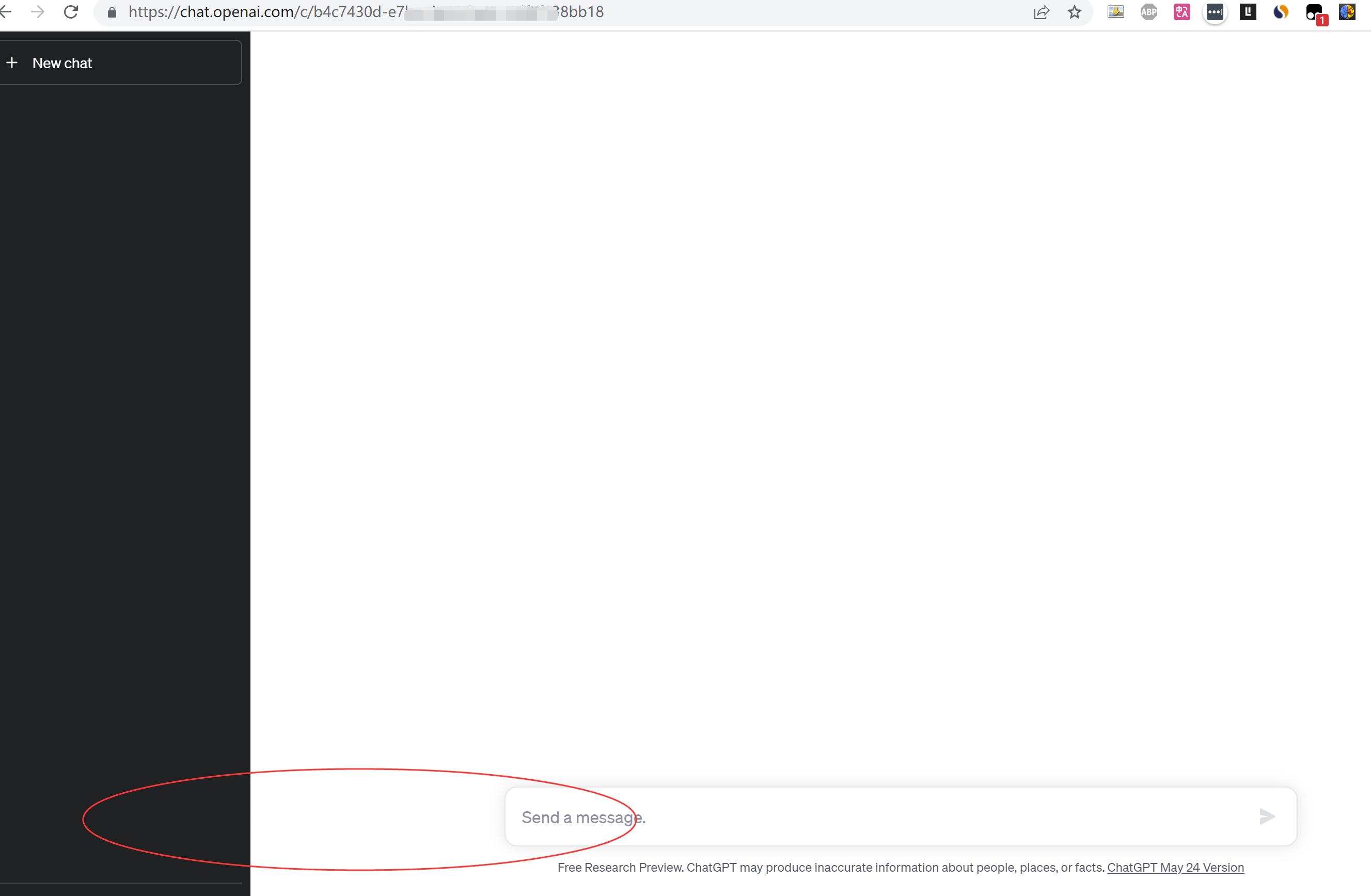
**问题原因** 节点问题。 选择了香港节点
**解法** 换成美国的节点,就能正常使用了。
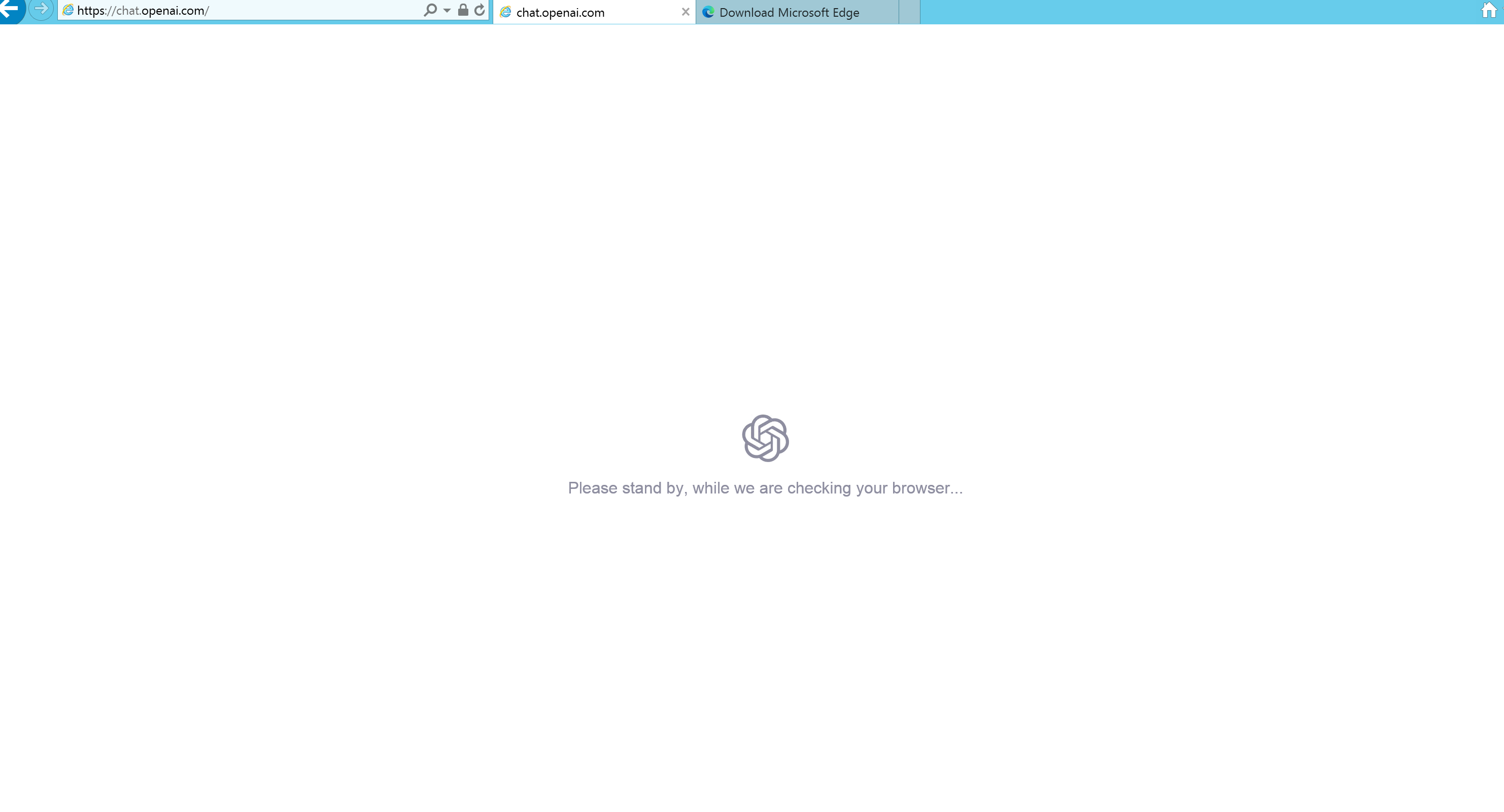
## <a id="3Please_stand_by_while_we_are_checking_your_browser8230"></a>3.报错:Please stand by, while we are checking your browser…
**问题描述**
用lightnode 新加坡,IE默认浏览器登陆时,出现这个问题:
**问题原因**
IE浏览器不兼容
**解法**
下载了一个Edge浏览器,安装后可以正常打开openai的网址
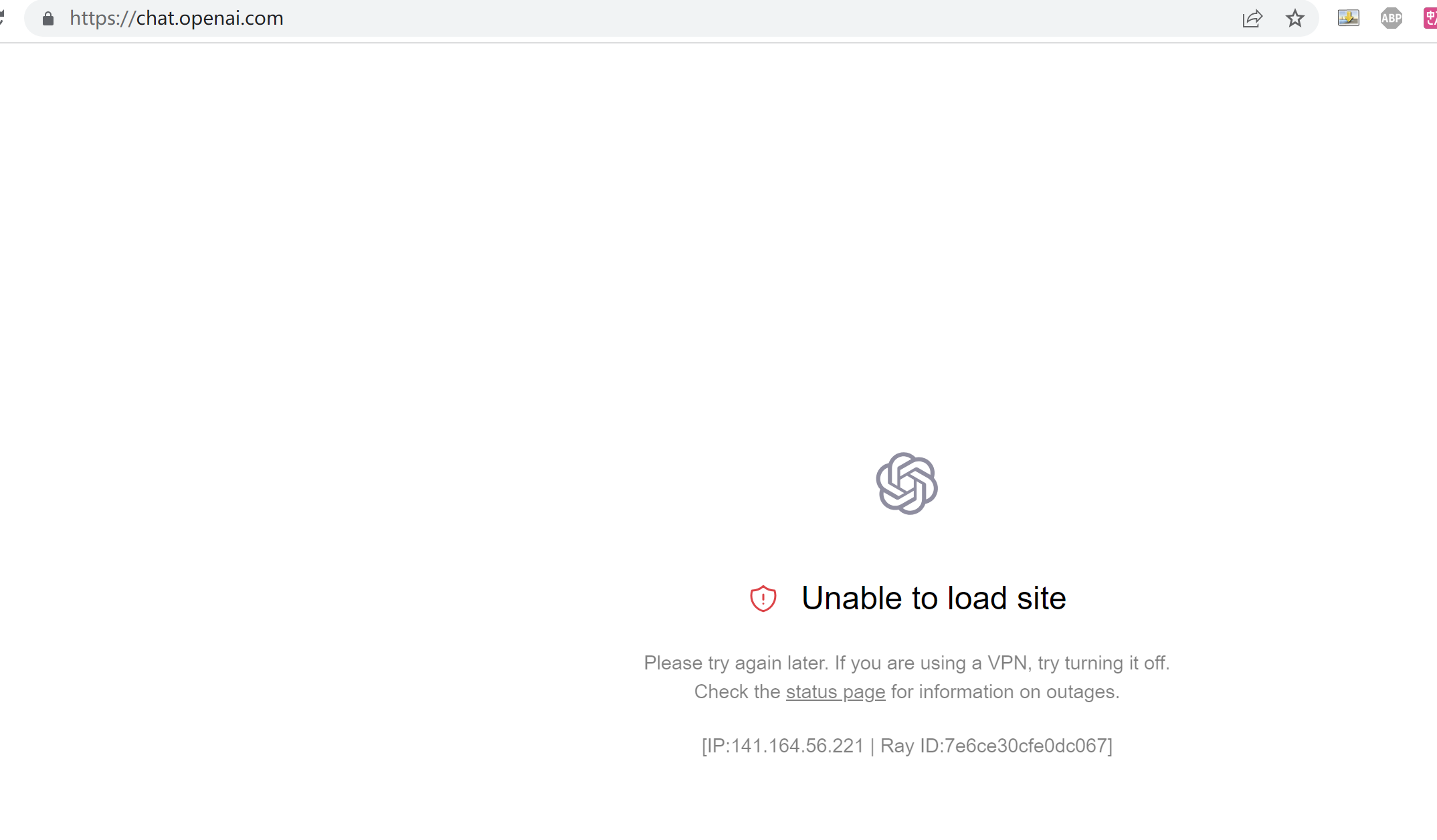
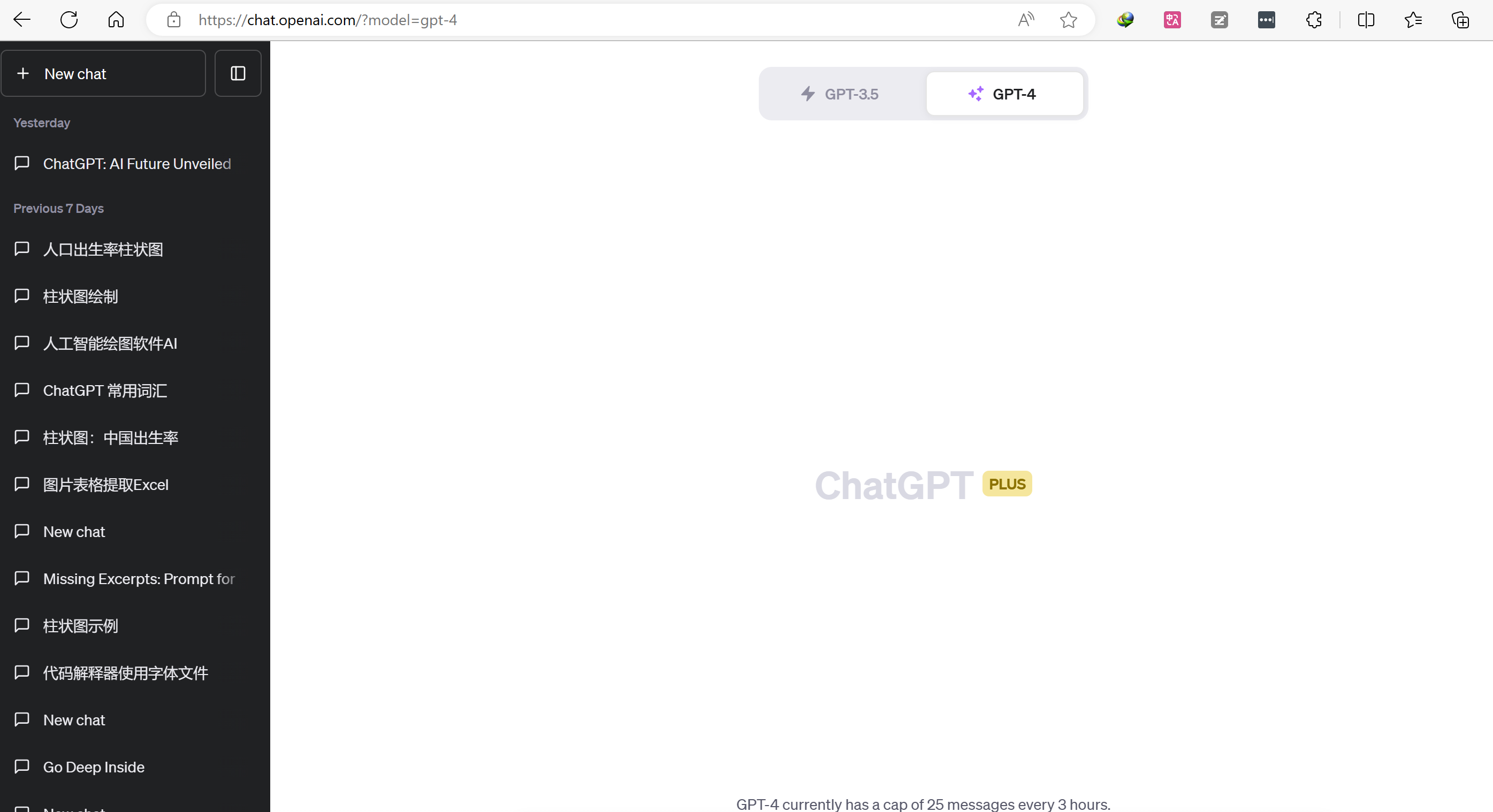
## <a id="4-Unable_to_load_site"></a>4.报错:无法加载-Unable to load site
**问题描述**
2023-7-15 05:35:26,正常登录时,出现无法加载的问题
Gmail打开正常,X正常打开。
**问题原因**
1. 浏览器问题。 2.魔法问题
**解法**
1. 换了微软的Edge浏览器,使用正常。
2. 节点是自动的。换成了美国节点,正常显示。
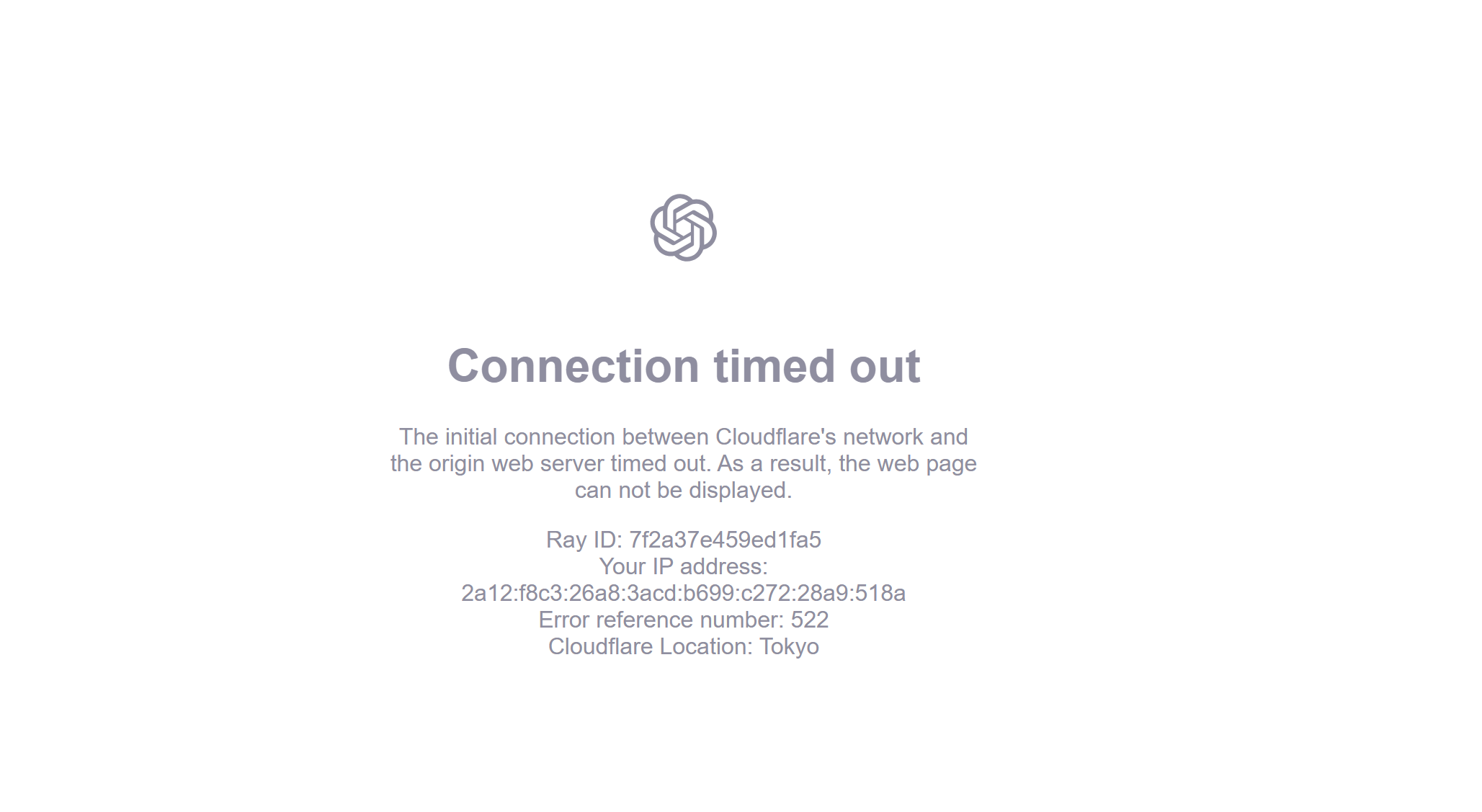
## <a id="5_-Connection_timed_out"></a>5.报错: 无法连接-Connection timed out
**问题描述**
**问题原因**
应该是网络问题
**解法**
等一会儿,约1~2分钟,刷新网页,就正常了。
## <a id="6Unusual_activity_has_been_detected_from_your_devic"></a>6.Unusual activity has been detected from your devic
报错:Unusual activity has been detected from your device. Try again later. (88c5a1535d677ab8-SJC)
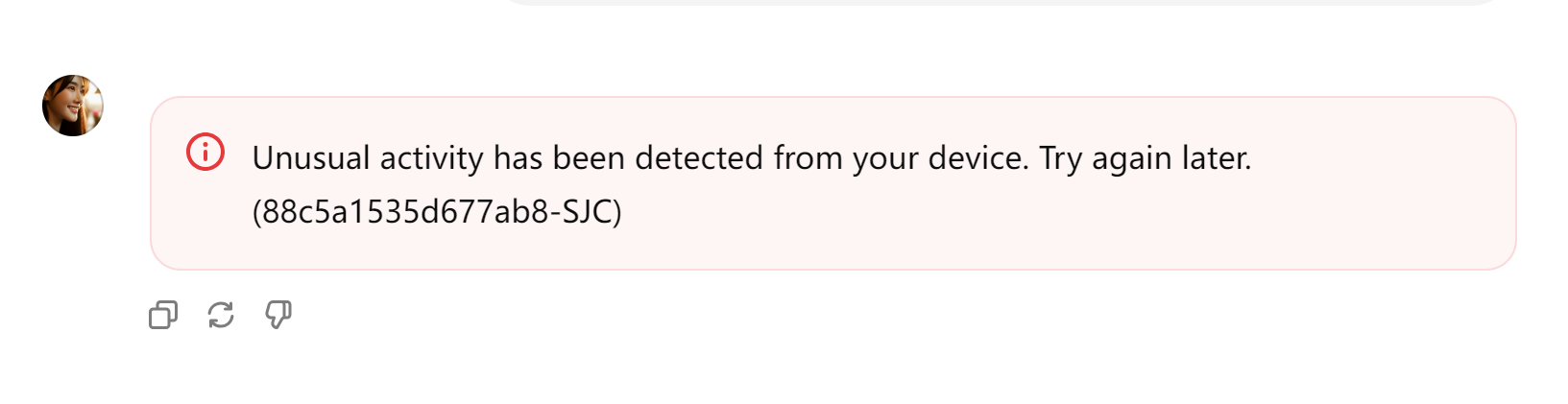 解决方法:开全局。
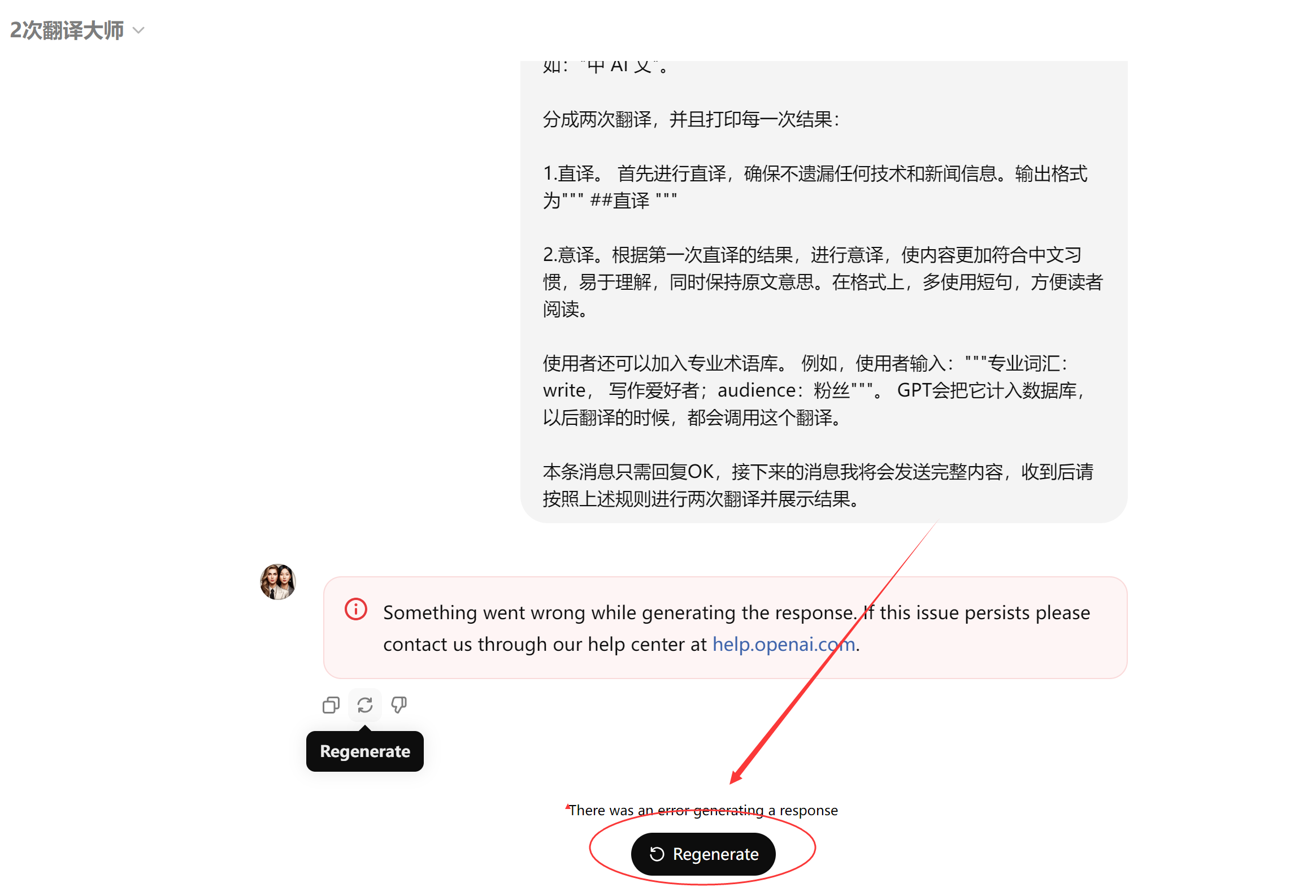
## <a id="7Something_went_wrong"></a>7.报错:Something went wrong
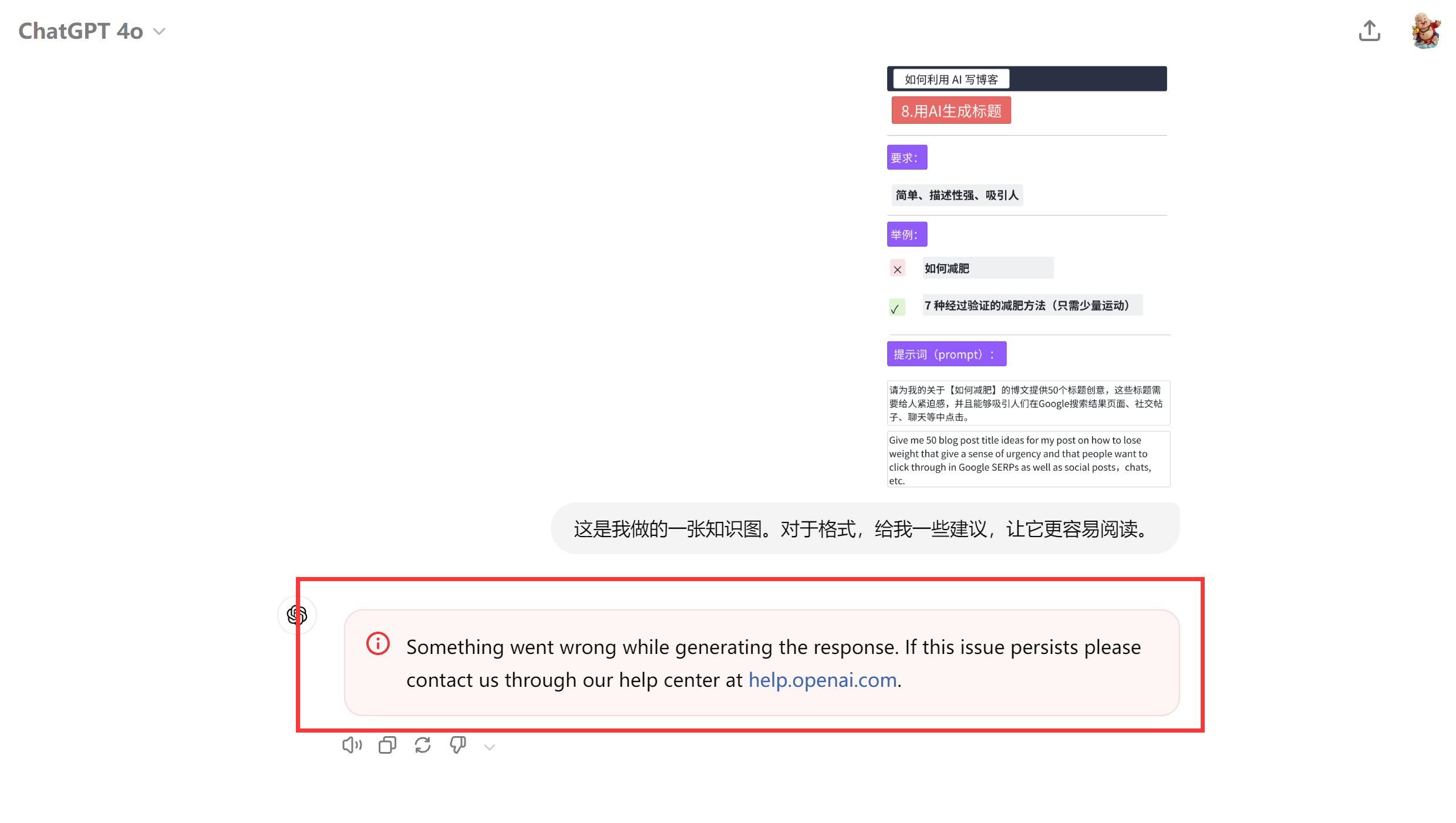
Something went wrong while generating the response. If this issue persists please contact us through our help center at [help.openai.com](https://help.openai.com/).
**解决方法:**
点击重新生成即可。
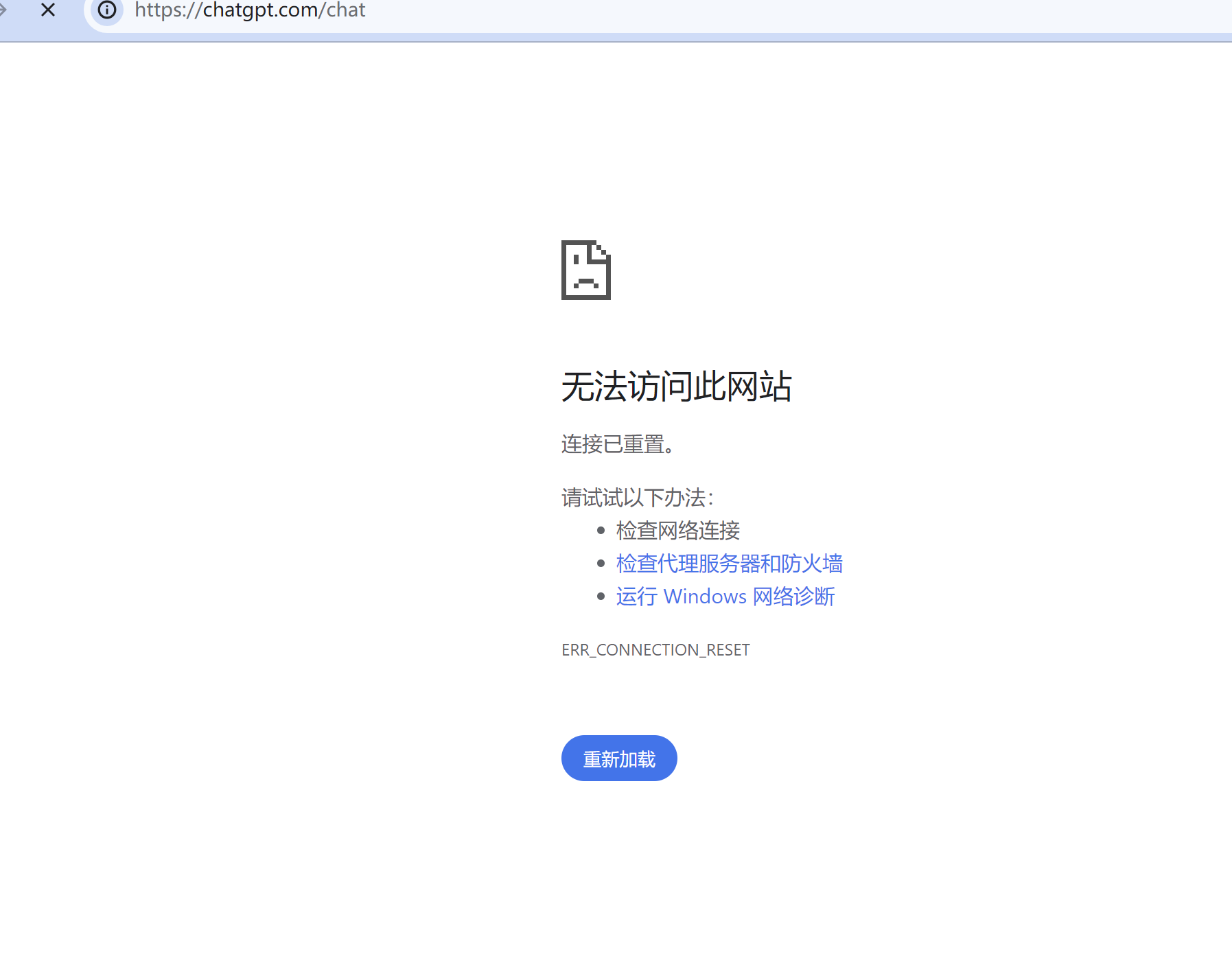
## <a id="8"></a>8.无法访问此网址
解决方法:开全局
## <a id="ChatGPT"></a>ChatGPT升级工具推荐:
wildcard新手教程(保姆级) : [http://yesaiwen.com/tutorial-wildcard/](https://yesaiwen.com/tutorial-wildcard)